Get Cambria-wide and course specific news and updates
Get important notifications about what you need to do
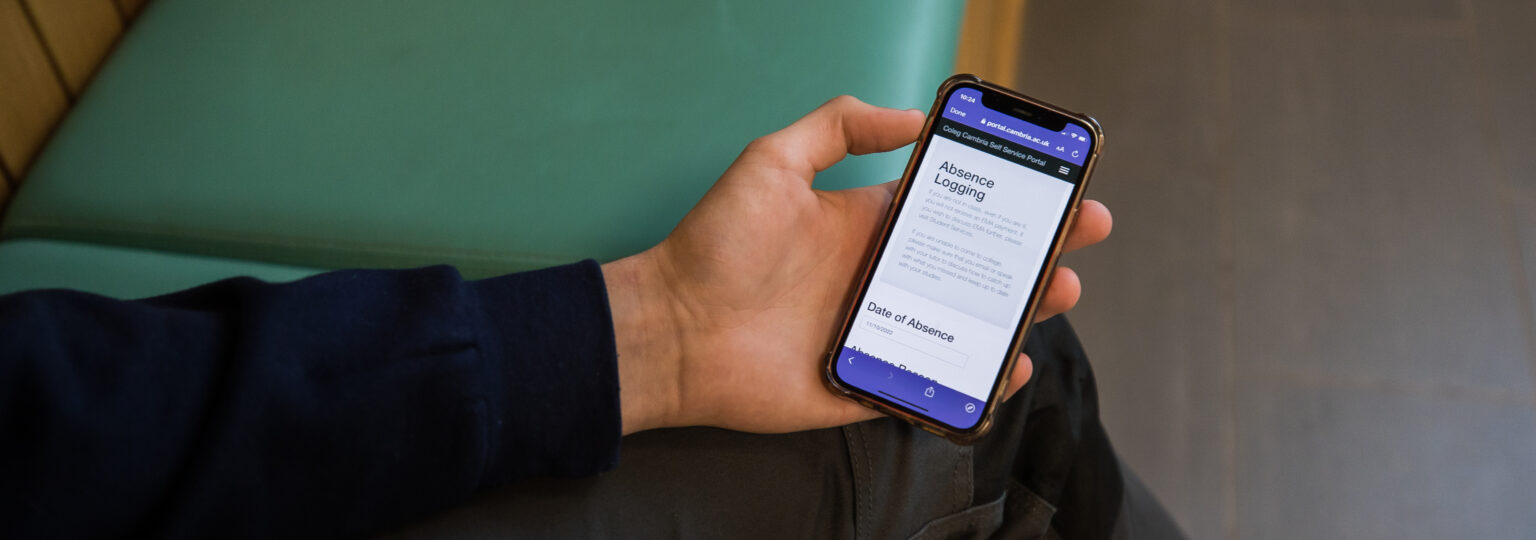
Report sickness
We’ll be adding new features to the app all the time. We’ll notify you when these are released so make sure you have notifications from the Cambria App turned on
Already got a Cambria student email account and password?
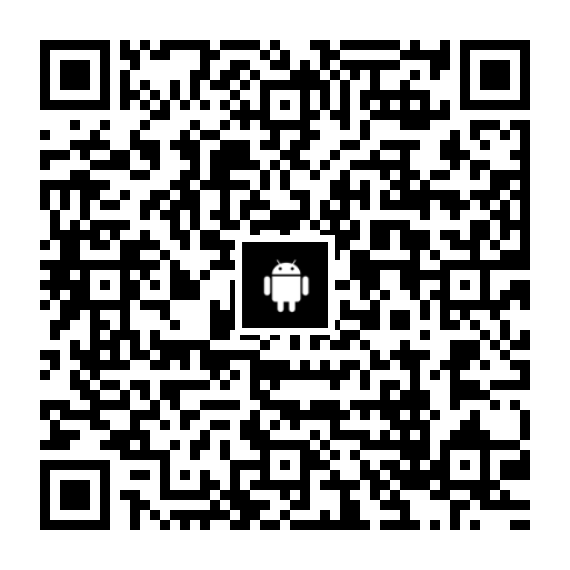
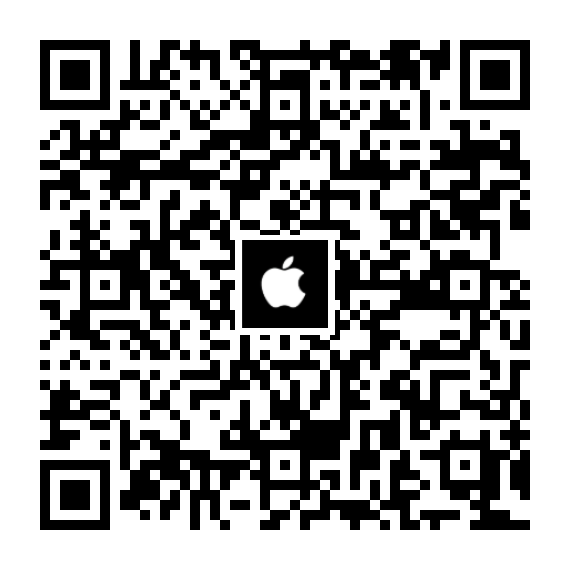
If you already have a Cambria student email account and password then please go to the Apple App Store or GooglePlay and search for Cambria. Download the Cambria App onto your phone, follow the on screen prompts, log in using your Cambria student email account and password and you’re done!
Not yet started at Cambria?
If you are about to join the College then please go to the Apple App Store or Google Play Store and search for Cambria. Download the Cambria App onto your phone. Then, as soon as you get your Cambria student email account and password, you will be able to use these details to log in to the Cambria App. If you have it on your phone ready then it’ll be easier to speed things up.